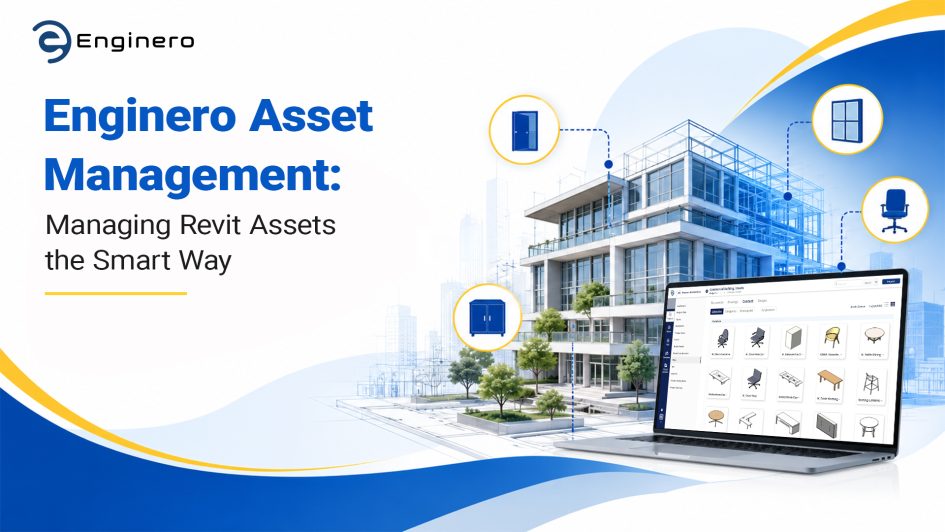
Revit designs become more complex as the project scales up. As project needs rise, your Revit project becomes interconnected with various teams and their tools. This involves dealing with thousands of components, equipment, and linked designs. For a smooth and organized workflow, Revit users demand robust digital asset management for their Revit families in order to reuse them.
However, here is the tricky part. Is it possible to manage those digital assets such as standardized doors, electrical equipment, and furniture? Is there any way that the digital assets can be stored and categorized automatically? Is there any tool that integrates with Revit bidirectionally and is simple to use?
Enginero is here to address all your queries and help you tackle Revit challenges seamlessly.
Enginero’s Asset Management is the one-stop solution for all your hurdles. This article explores the need and criticality of asset management in Revit, and how Enginero’s Asset Management smartly categorizes and manages Revit assets in an AEC project.
Why Asset Categorization & Management Matters in Revit Projects?
In large Revit models, thousands of elements—like walls, door assemblies, HVAC units, and electrical fittings are interconnected, not always in a simple way. When there is no real-time asset categorization, it creates ambiguity and confusion in managing and reusing the assets in the project, leading to:
- Difficulty in locating and filtering the components that actually matter
- Inefficient issue resolution due to improper categorization of assets
- Challenging to assign responsibilities, plus tracking progress over time
- Delays from manual sorting and data entry
- Rework every time when there are no standard assets being maintained
Proper classification and management of assets are important not only for organizing the assets but also for ensuring data integrity and facilitating collaboration.
Classification helps teams classify and filter the assets, while management helps ensure that these assets are managed and maintained during the whole duration of the project.
How Revit Asset Categorization and Management Works in Enginero
In Revit, assets are families, components, materials, templates, and even assets that are particular to a specific project. Effective management of assets is very important for efficiency and collaboration. The Asset Management tool by Enginero brings in smart asset categorization, which is an efficient process for organizing such design assets from Revit. Let’s explore how it works:
Automated Asset Organization
As soon as a Revit project is uploaded to the cloud storage of Enginero, the system automatically starts to scan the project, extract the assets, organize them, and obtain metadata from them. This contains:
- Name and category of asset (for example, Door, Window, HVAC unit).
- Parameters (such as width, height, material, fire rating).
- Custom properties (manufacturer, price, etc.).
- File version and creation date.
Customized Libraries for Assets
- Enginero allows teams to create custom libraries by adding the required design asset to the library.
- These libraries can be used in their Revit projects anytime without needing to recreate them.
- However, users can update the assets whenever they need to, creating an automatic version of the asset.
Intelligent Search and Filtering
The Enginero search bar is not limited to searching the asset by file name.
- When searching for “wooden door,” the results include any door with the wood material parameter regardless of the file name being “Interior_Door_01.far.”
- Users can filter the results by category, parameter, discipline, or user-defined tags.
- Users can star or bookmark favourite assets for personal or project-specific libraries.
Cloud-based central storage and synchronization
- Enginero allows Revit users to store those assets directly from their native Revit application. Users have the flexibility to directly store them in their project database and required libraries from Revit.
- Whenever a new asset is created or an existing category is modified, the modifications are immediately reflected for everyone.
- Stakeholders can get notified whenever new assets are added (for example, “MEP components added”).
- For every update, the version is tracked automatically along with an accurate timestamp.
Dedicated Asset Viewer
- Enginero’s built-in asset viewer provides a seamless viewing experience of your Revit assets without opening your Revit platform.
- Users can also view the previous versions of the assets, helping stakeholders ensure the updates are made and aid in presenting in coordination meetings.
- In the Asset Viewer, users will find plenty of data, properties, and libraries related to that particular asset. This holistic perspective enables the user to understand assets well and helps stakeholders utilize them in their project.
Final Thoughts
In the increasingly complex world of Revit projects, juggling all those building assets in a clean way is crucial to project success, and it’s easy to lose control if you don’t have a plan. Smart asset categorization and management are the backbone of a good BIM workflow. Enginero’s advanced asset management capabilities bring in intelligence and automation, turning repetitive and error-prone into something more streamlined, and more precise in practice.
Enginero automatically categorizes and keep managing Revit model assets. This helps maintain data consistency, boosts collaboration, and speeds up decision-making. Also, the platform works with Revit in a way that helps keep asset updates and classifications aligned with the design as it evolves, so you get real-time accuracy and transparency, not guesswork.
By automatically categorizing and continuously managing Revit model assets, Enginero helps project teams maintain data consistency, improve collaboration, and accelerate decision-making. This reduces costly mistakes and rework, which are often the result of disorganized or mismanaged data. Moreover, the platform’s integration with Revit ensures that asset updates and classifications stay aligned with the evolving design, providing real-time accuracy and transparency.
Leave a Reply